Make training fun with your own game show
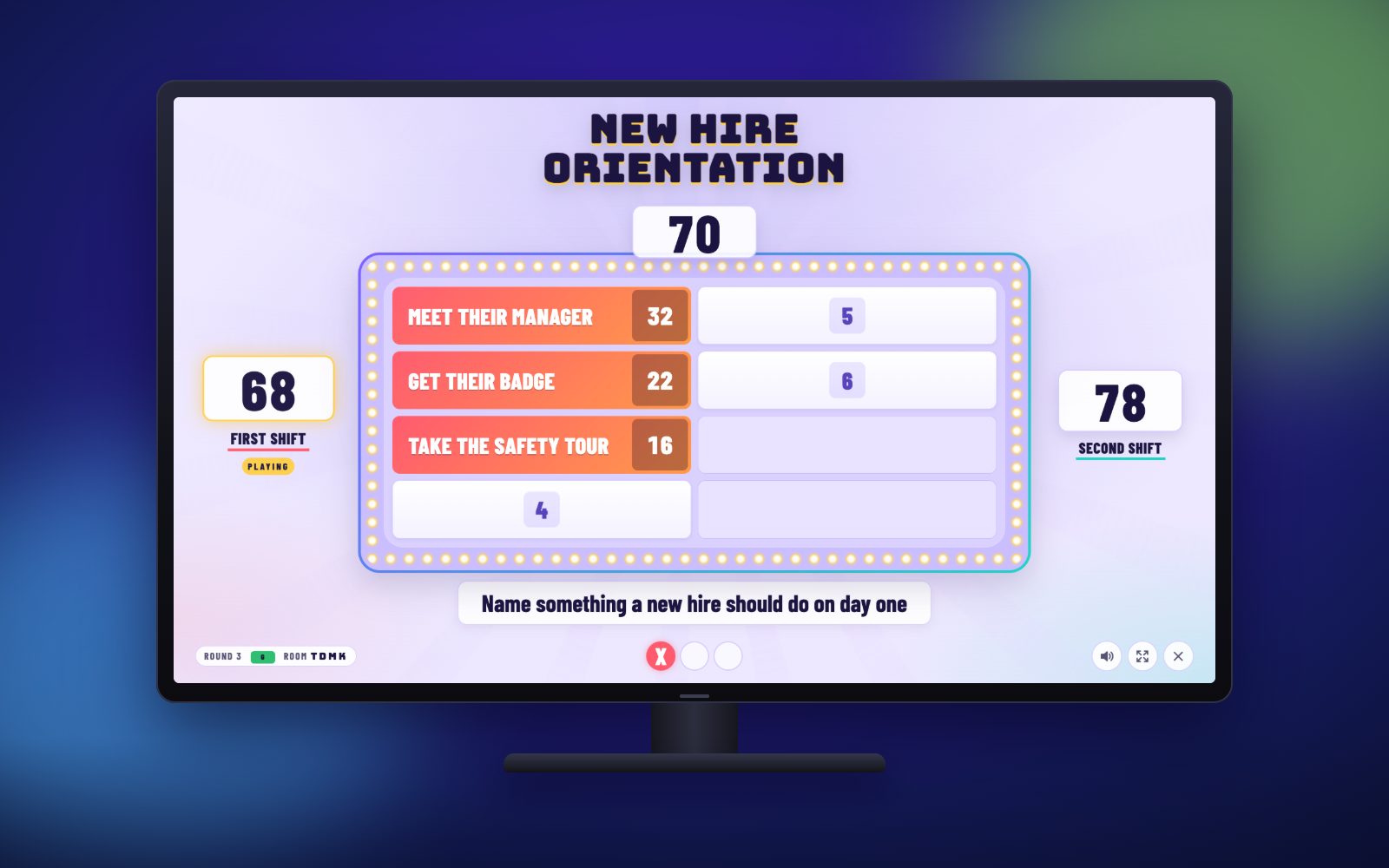
Training sticks better when people are laughing and competing. Write your own questions about safety rules, products, policies or this week's lesson, and play them as a real game show on the TV, with teams, strikes, steals and a winner.
One payment, no automatic renewal. Full refund within 14 days. By buying you agree to the Terms of Service and Privacy Policy.
One year of game nights. Pay once, no subscription.
Why it works
- Create your own training edition from a simple spreadsheet. No design or setup skills needed.
- Teams talk through the answers out loud, which is exactly how people remember them.
- Great for onboarding, safety meetings, sales and product training, and classroom review.
- Run it from a laptop on the training room TV or projector, and reuse the same file every session.
Make your own training edition
- Download the spreadsheet template (here, or from the start screen) and open it in Excel, Numbers or Google Sheets.
- Write one question per row with up to 8 answers. Give each answer points (they add up to 100 or less): the most important or most common answers get the most points.
- Save it as a CSV file. On the start screen, choose Choose a CSV file and pick it. That game plays only your questions.
- Use the same file for every session, or keep one file per topic.
Tip: survey your own team first and use their answers for the points. Finding out what coworkers really said makes it even more fun.
Example training questions
How it works
- Start a game on your phone or laptop and pick the edition.
- Open topanswers.app/tv on the TV and type the room code.
- Teams guess, you tap the answers, and the TV flips the tiles.
Step-by-step hosting guide · Game rules
More games for training and classrooms
Every game below comes with the same membership. Tap one to see it in action.
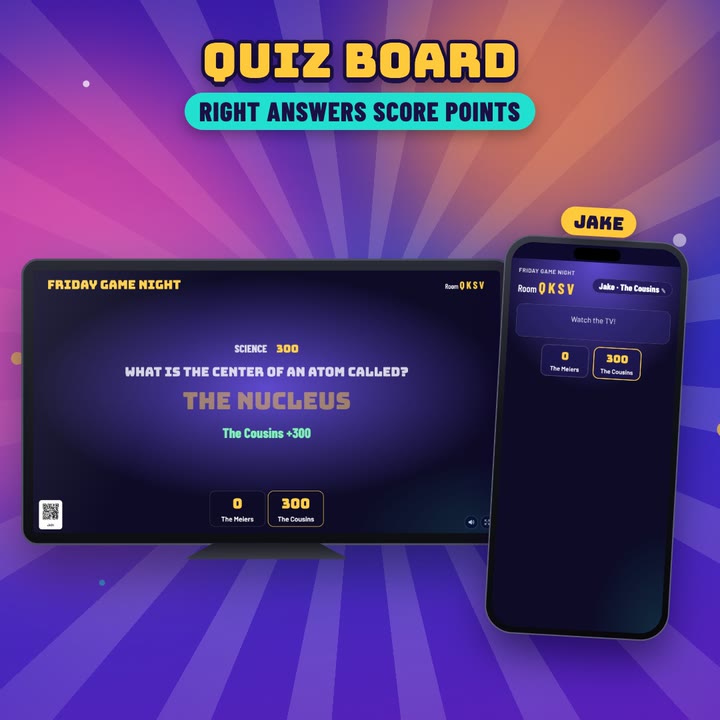 Quiz BoardTurn your training material into a trivia board, with your own categories.See how it plays
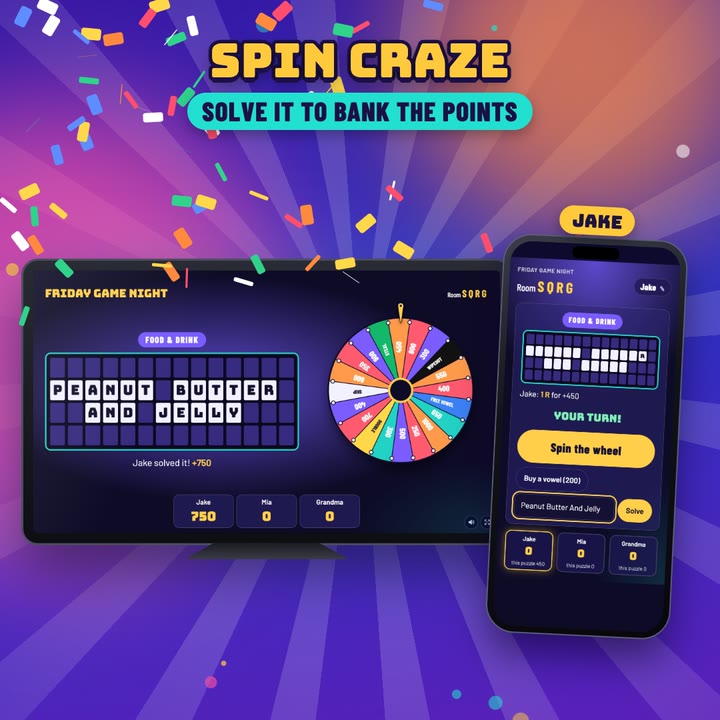 Spin CrazeUse your own key phrases as word puzzles.See how it plays
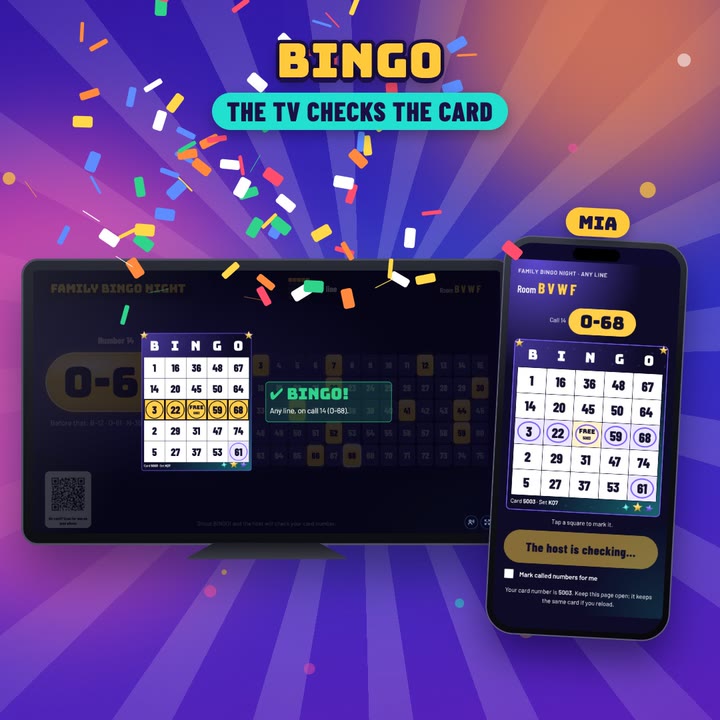 BingoWord bingo with your own terms, for review sessions.See how it plays
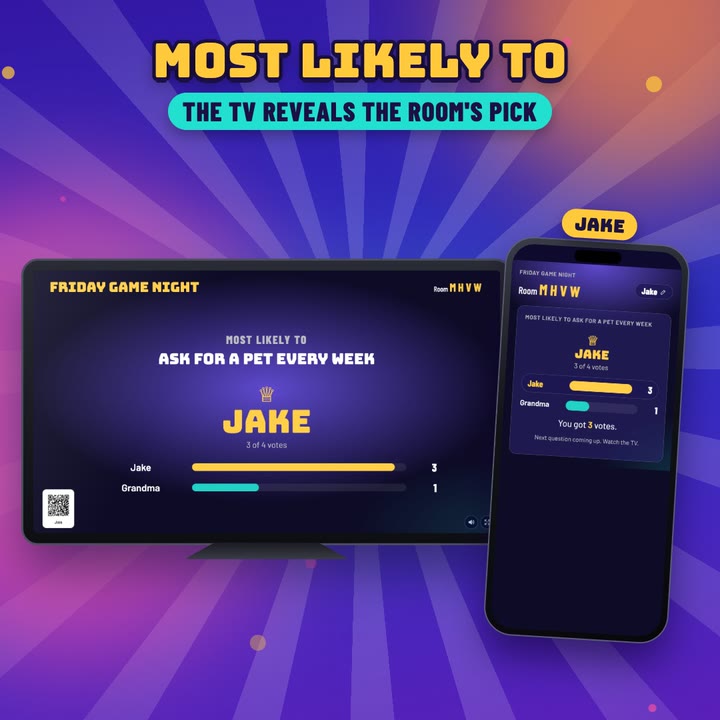 Most Likely ToAn easy icebreaker to start the session.See how it plays
Ready for game night?
One payment, no automatic renewal. Full refund within 14 days. By buying you agree to the Terms of Service and Privacy Policy.